

Where to find Billing
- Go to Settings in the sidebar.
- Open the Billing section.
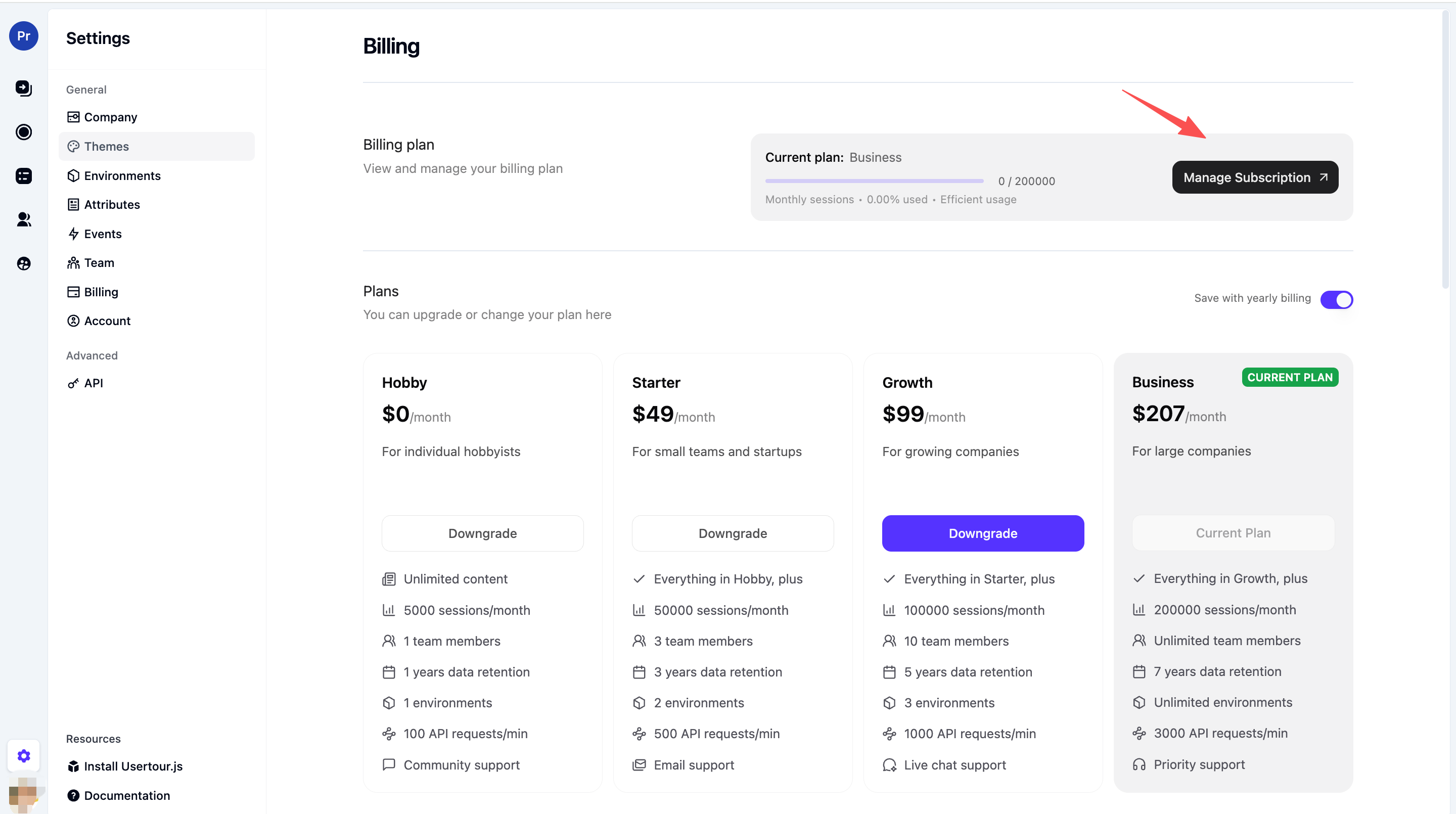
What you can do in the Billing portal
After you click Manage Subscription, you’re redirected to the Stripe Customer Portal. There you can:- View and update your payment method (card, etc.)
- View billing history and past invoices
- Download invoices (see below)
- Update billing email or address
- Cancel or change plan (if your product supports it)
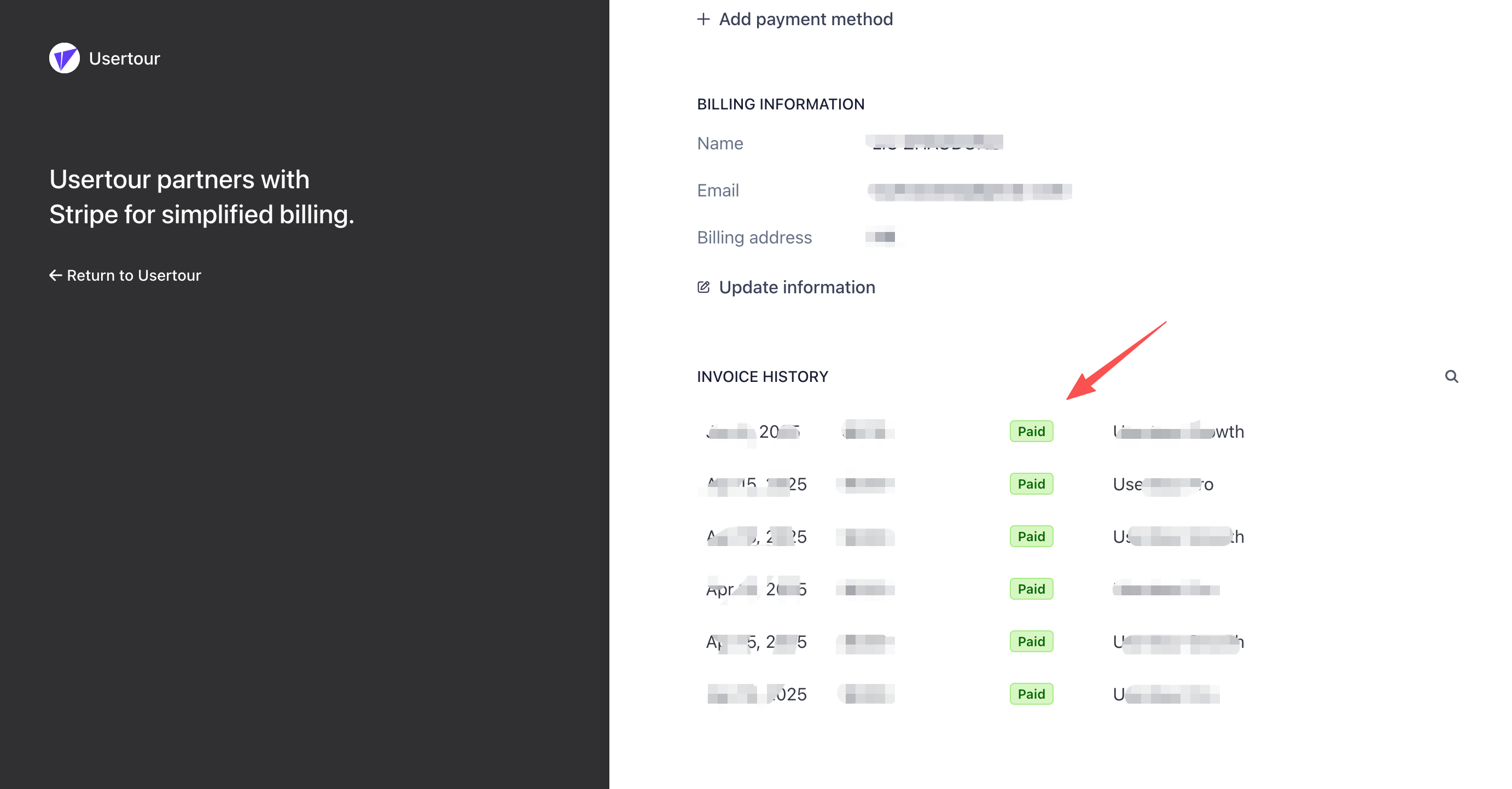
How to download invoices
On the Stripe invoice page you can view all past invoices. For each invoice you can Download the invoice (PDF) or Download receipt.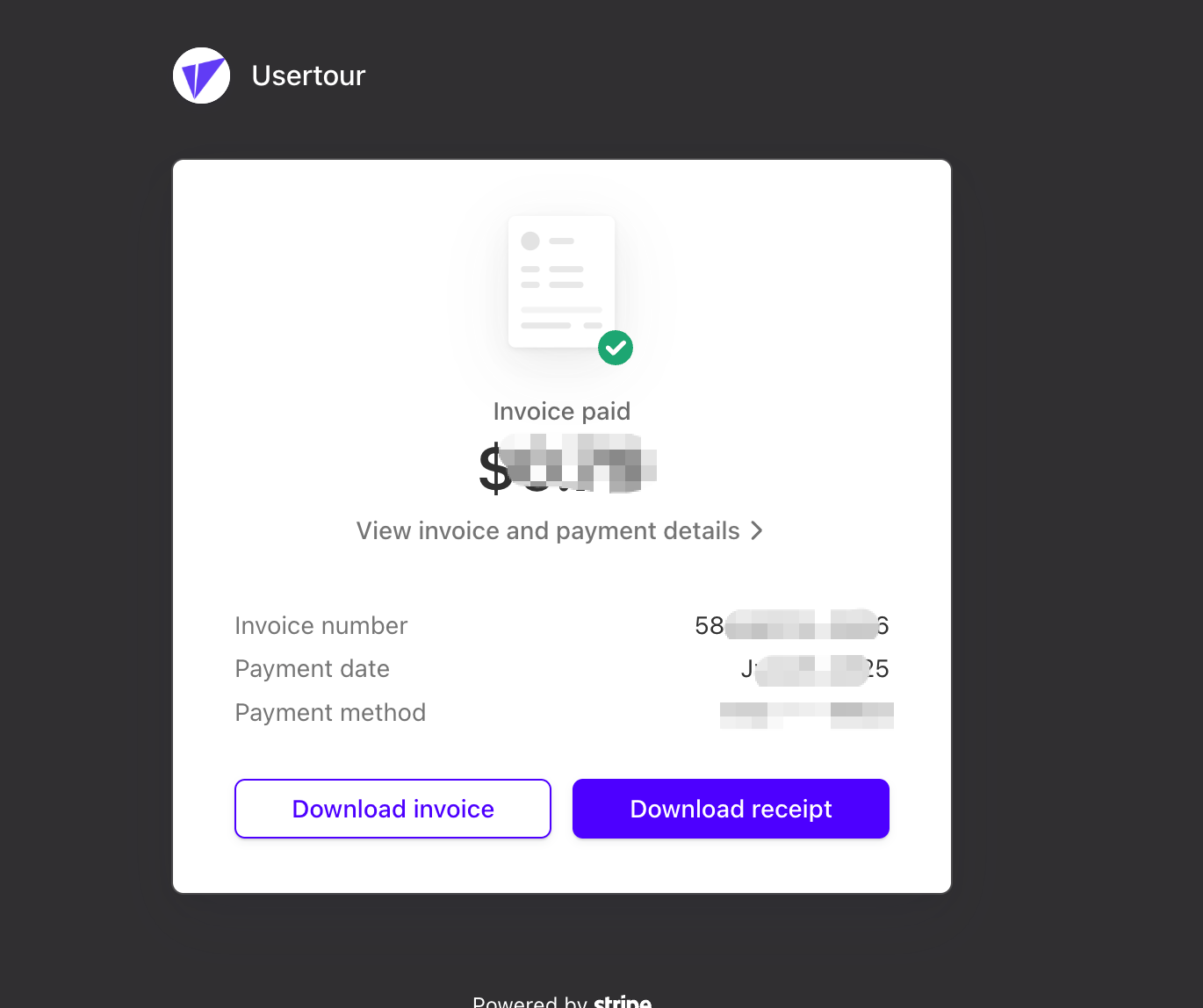
Need help with Stripe or invoices?
- For invoice or payment issues (wrong amount, missing invoice, etc.), contact support@usertour.io.
- For Stripe account or portal questions, you can also refer to Stripe’s documentation or their support.